MeJu-Hibernate-Me
What Meju-Hibernate-Me Does?
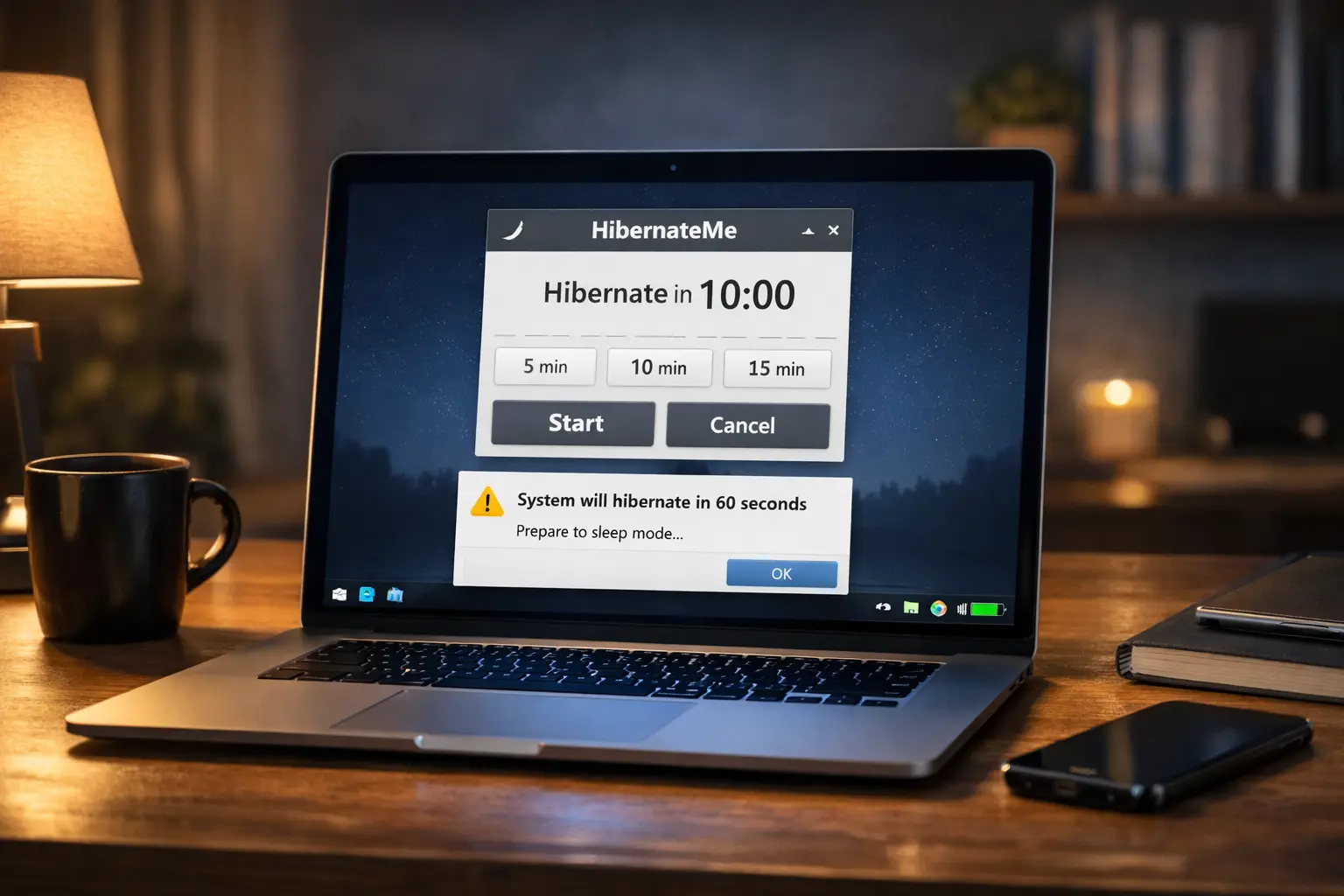
Hibernate is a power saving mode in Windows that safely stores your current work and system state to the hard drive and then completely turns off your computer. Unlike sleep mode, it uses no power while the system is off, making it ideal for saving battery and reducing energy consumption.
When you turn your PC back on, everything is restored exactly as you left it open apps, documents, and sessions so you can continue working instantly without losing progress.
Key Capabilities
Scheduled Hibernate with Timer
Schedule hibernation instantly with quick presets or set a fully custom timer in hours, minutes, and seconds for precise power down control.
Single Active Timer Logic
Runs only one active timer at a time to prevent conflicts and ensure reliable, error free hibernation automation.
Floating Countdown Panel
Displays a real time floating countdown with minimize, expand, and close controls so users stay informed without disrupting their workflow.
Final Warning & Sound Alerts
Shows a final popup and optional sound alert before hibernation to prevent accidental shutdown during active work.
Tray Based Background Operation
Operates silently from the system tray, allowing you to start, monitor, or cancel the timer without keeping the main window open.
One Click Start & Cancel
Start or cancel hibernation with a single click using a simple, user-friendly workflow designed for everyone.
Our process in four easy steps
1
Launch MeJu-Hibernate-Me
2
Set Your MeJu-Hibernate-Me Timer
3
Start and Minimize to Tray
4
Stay Informed and Cancel Anytime
How to Use HibernateMe (Less Than 1 Minute)
Launch MeJu-Hibernate-Me
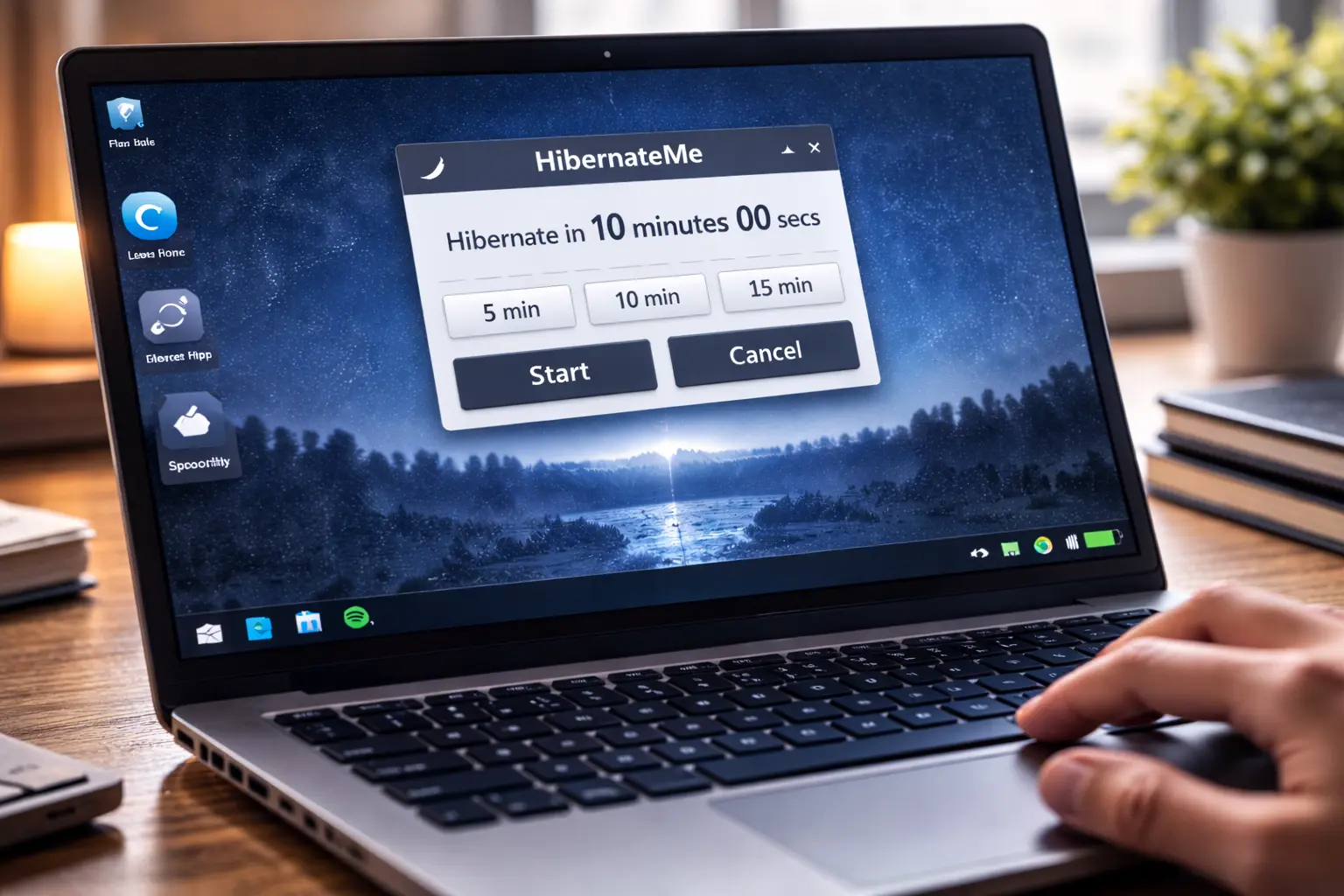
Open the MeJu-Hibernate-Me application from your desktop or Start menu. The main window displays quick preset buttons and the custom timer fields so you can get started immediately.

Set Your MeJu-Hibernate-Me Timer
Choose a quick preset (5, 10, or 15 minutes) for instant scheduling or enter a custom time using hours, minutes, and seconds for precise control. This lets you match the timer to your task duration downloads, builds, or end of day shutdown.
Start and Minimize to Tray
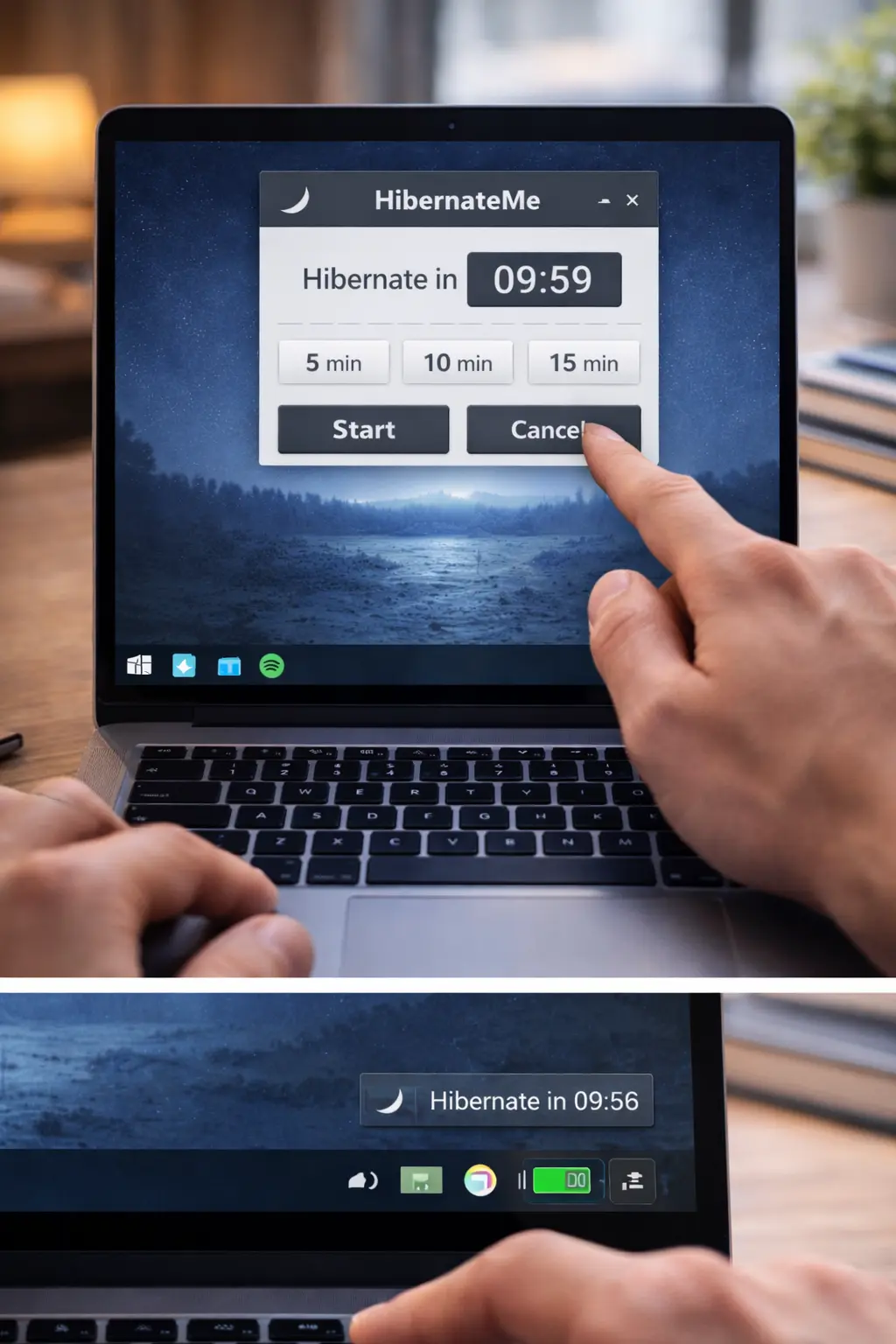
Click Start to activate the countdown.
You can:
- Keep the floating timer visible
- Minimize the app
- Send it to the system tray and continue working normally
MeJu-Hibernate-Me will run quietly in the background.
Stay Informed and Cancel Anytime
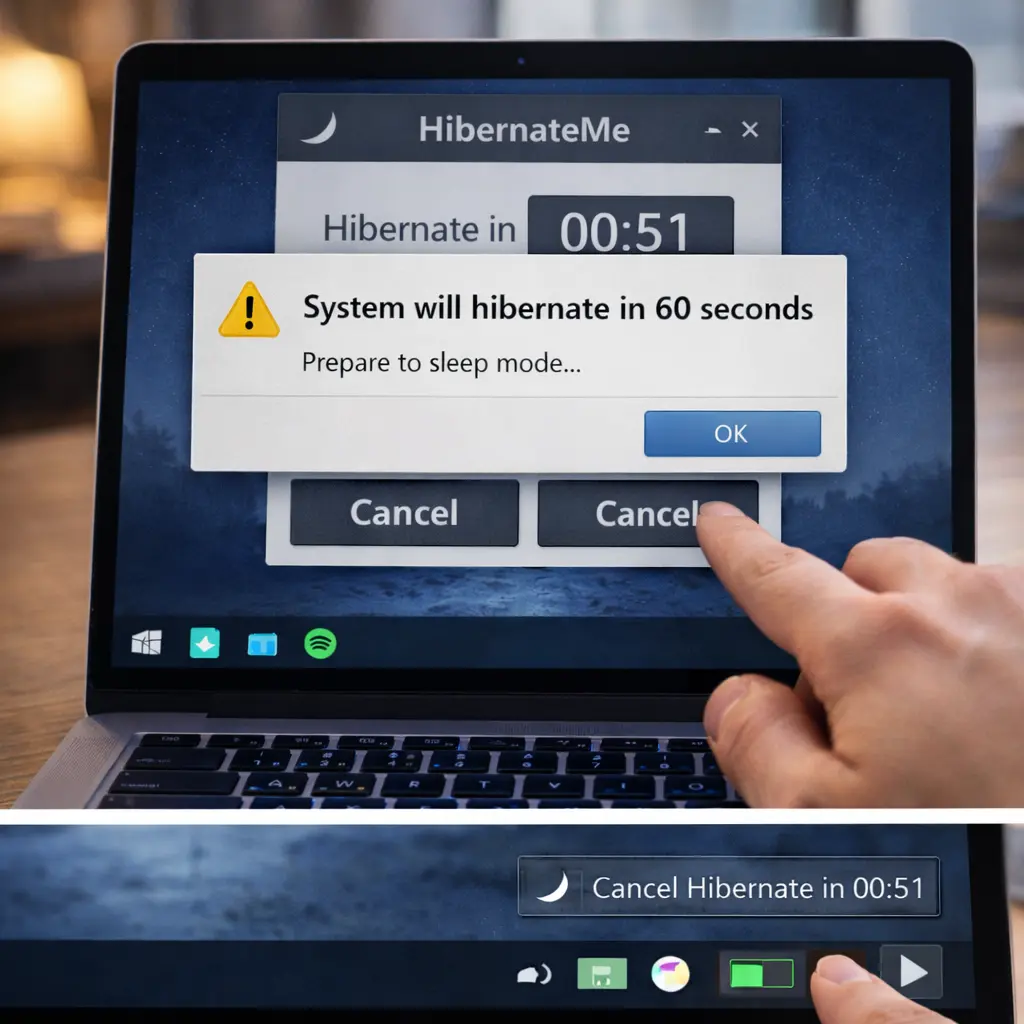
Before hibernation, you’ll receive a final warning popup and sound alert, giving you time to stop the process if needed. You can cancel the timer at any moment from the main window or the tray menu no surprises, full control.